Most organisations don't realise they have a document management problem until they can't find a specific file they urgently need.
Documents live in email threads, desktop folders, shared drives with mysterious names, and five different versions of "Final_v3_REALFINAL2.docx." Sound familiar? That's exactly the kind of chaos SharePoint Online is designed to fix. But is it actually a good document management system (DMS)? Let's break it down in real business terms, not just features.
What Is SharePoint Online?
SharePoint Online is Microsoft's cloud-based platform for storing, organising, sharing, and managing information across a business.
Instead of files being scattered across devices and inboxes, SharePoint creates structured online spaces (called sites and libraries) where documents live in an organised, searchable environment. Because it's part of Microsoft 365, it works naturally with tools employees already use, like Teams, Outlook, Word, and Excel. No servers to maintain. No VPN required. Just secure access from anywhere.
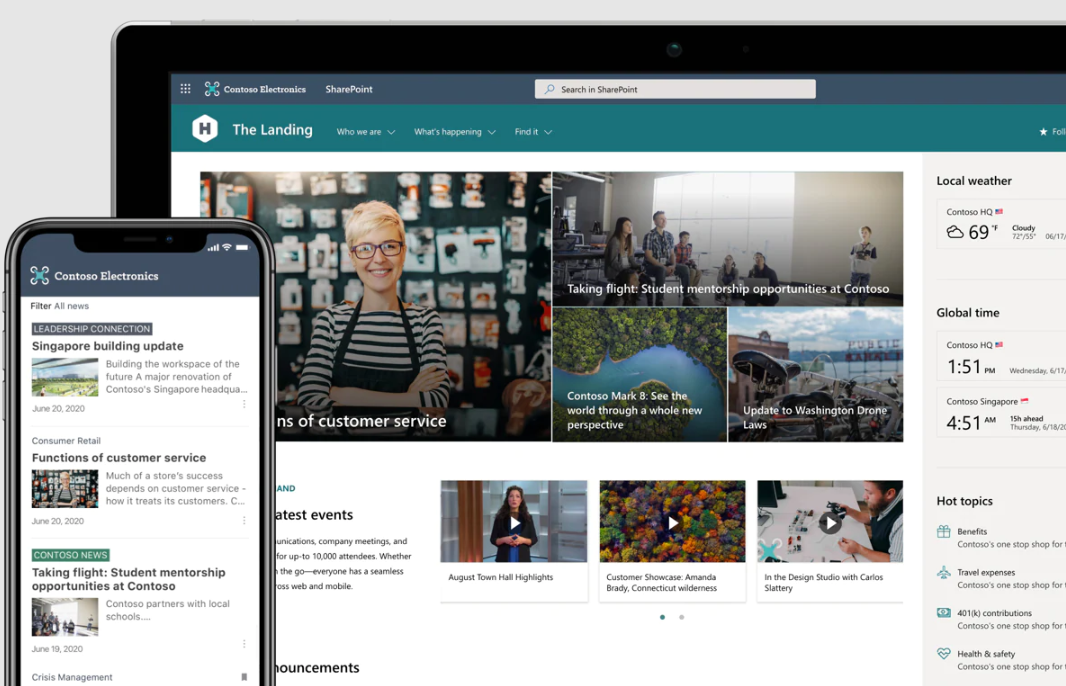
Turning Document Chaos into Structure
A good DMS isn't just about storage; it's about control without friction. SharePoint helps businesses move from messy file sprawl to structured information management.
One Reliable Place for Documents
SharePoint gives teams a central, secure location for files related to projects, departments, or clients. Instead of asking "Who has the latest version?", everyone works from the same document library. Permissions ensure the right people see the right content, while still making collaboration easy.
Search That Actually Works
We've all wasted time digging through folders that seemed logical at the time.
SharePoint improves this by using metadata (extra information about a file, like department, project, or document type) alongside keywords and document content. This means users can search by what a document is, not just what it's called. The result? Less time hunting. More time on actual work.
Built-In Version Control
Accidental overwrites and confusing file names are common in traditional file storage.
SharePoint automatically saves version history, so teams can:
- See who changed what
- Restore older versions
- Avoid losing important information
This is especially valuable for policies, contracts, reports, and any document that evolves over time.
Collaboration Without the Clutter
Emailing attachments back and forth creates duplication and confusion. SharePoint allows multiple people to work on the same file at the same time, with changes saved in real time. Because SharePoint integrates with Microsoft Teams, documents can be accessed directly inside team channels, keeping conversations and files connected instead of scattered.
Security That Scales with Your Business
As organisations grow, so does the sensitivity of their data. SharePoint Online includes enterprise-grade security, audit trails, and granular permissions. You can control access at site, folder, or document level, helping protect confidential information while still enabling collaboration.
It's Not Just Storage
Where SharePoint really becomes powerful is when it moves beyond being a filing cabinet.With tools like Power Automate, businesses can create workflows such as:
- Document approval processes
- Contract review cycles
- Policy sign-off tracking
Instead of chasing approvals through email, processes become structured, trackable, and consistent.
Structure Matters
Here's the truth: SharePoint is powerful, but it's not magic. If it's set up without planning, it can turn into a slightly more organised version of the same mess you had before. A successful SharePoint document management system depends on:
- Clear folder/library structures
- Thoughtful use of metadata
- Defined permissions
- User training and governance
When these elements are in place, SharePoint becomes far more than storage, it becomes a business-wide information hub.
So, Is SharePoint Online a Good DMS?
Yes, when used intentionally. SharePoint Online combines document storage, collaboration, search, security, and workflow tools into a single platform that fits naturally into the Microsoft 365 environment. For organisations already using Microsoft tools, it's often the most seamless and cost-effective way to build a modern document management system.
Bridgeall's SharePoint Document Management Services help organisations keep their intranet secure, up to date, and continuously improving. From governance and user support to enhancements and optimisation, we work as an extension of your team to ensure your digital workplace keeps delivering value long after launch.
Contact us to learn how we can support and evolve your SharePoint environment.